Categories that make sense
Groceries, pharmacy, home and more. Create categories with a name and icon for your own routines.
MARKETPLACE LIST · SHOPPING LISTS
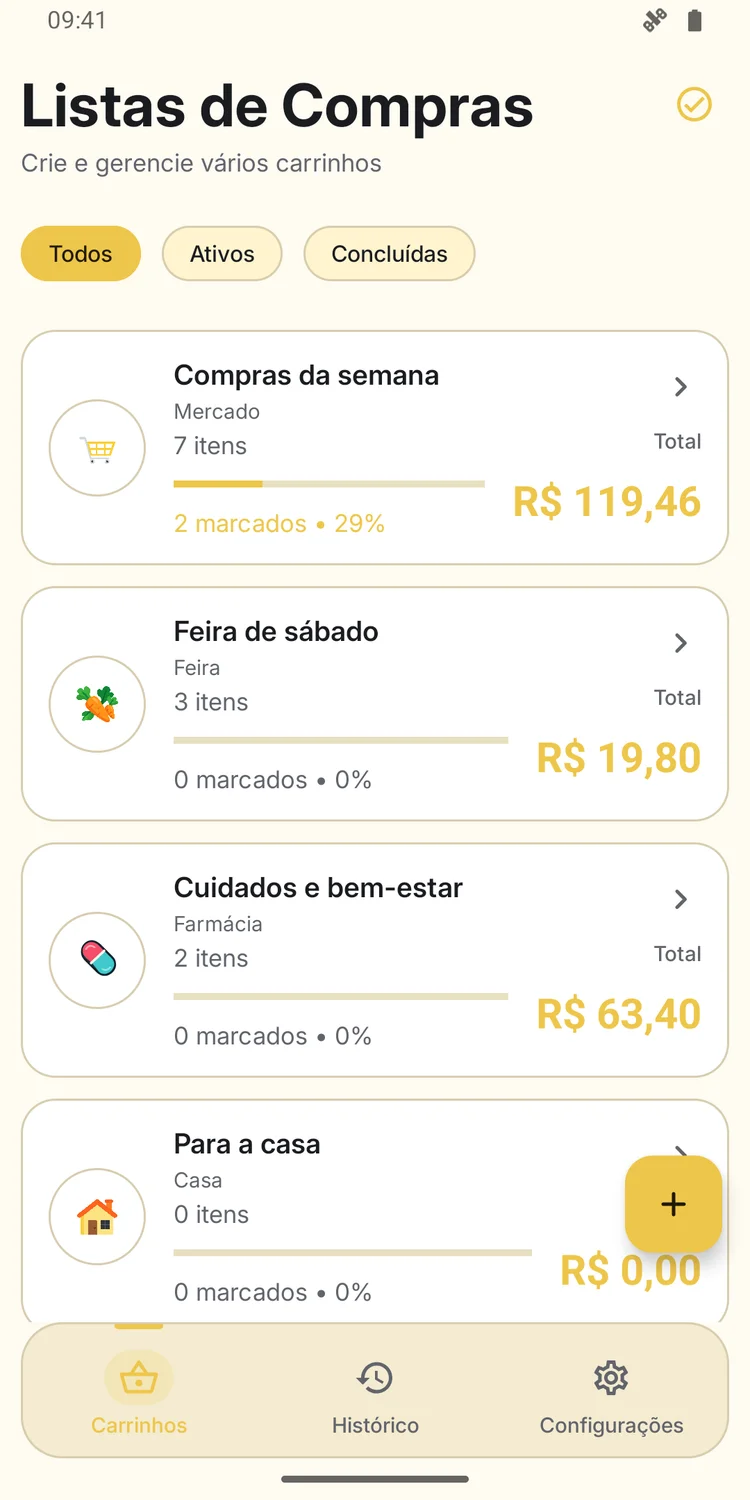
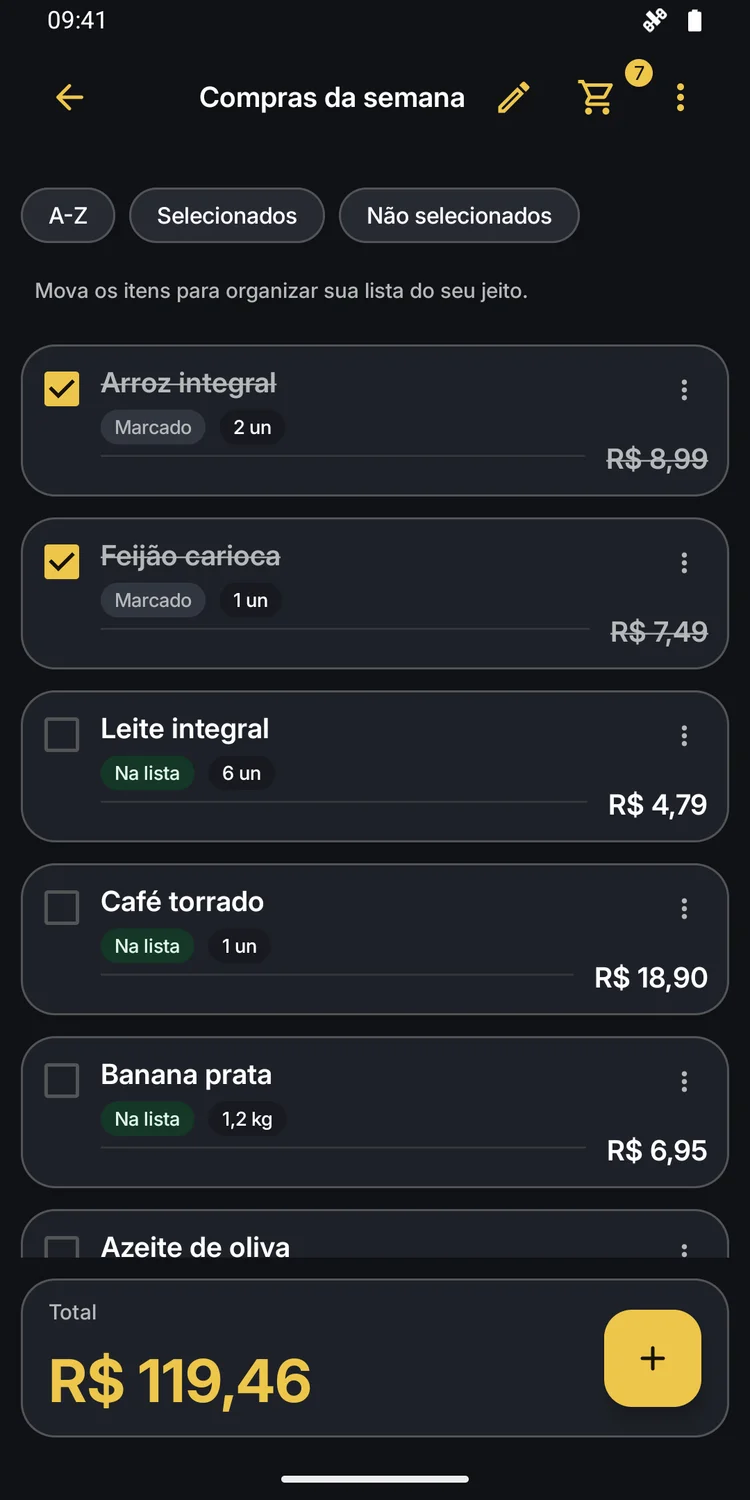
From groceries to pharmacy essentials, organize what you need, check off what is in your cart and keep track of your list’s total.
Made for Android
BEFORE, DURING AND AFTER SHOPPING
A list to prepare. A total to keep track of. A history to look back on.
Create a list for groceries, the farmers’ market, home or anything you need. Pick a category or create your own.
Add prices, quantities and units. Check off products and reorder items in whichever way works for you.
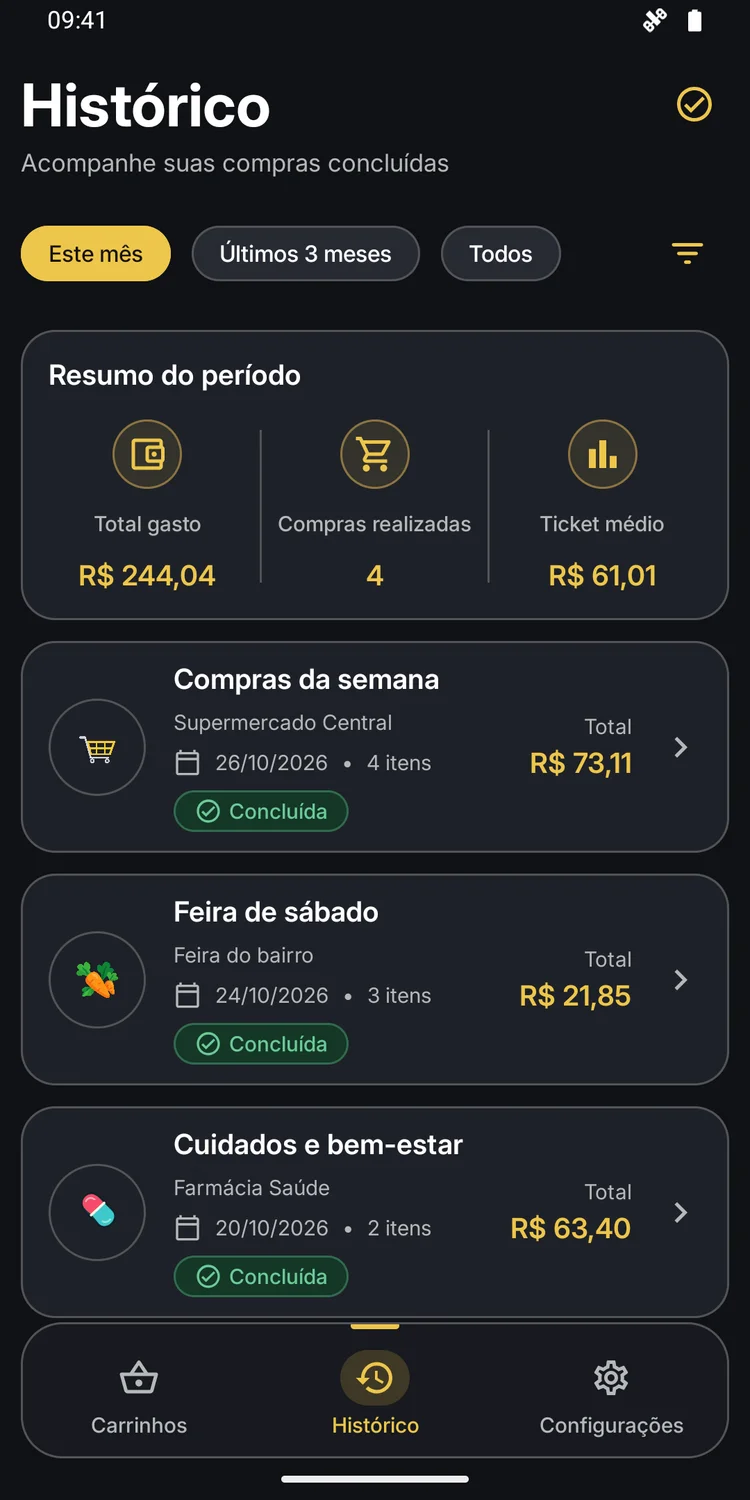
When you finish, record the location and date. Review purchased items and see a spending summary by period.
THE DETAILS MATTER TOO
Groceries, pharmacy, home and more. Create categories with a name and icon for your own routines.
Record products by unit, pair, dozen, weight or volume. Review quantities and prices in one place.
Settings include options to export your carts and items to a file and import a saved backup.
Choose how prices appear in the app and change your preference in settings.
INSIDE THE APP
Explore real app screens in both themes.
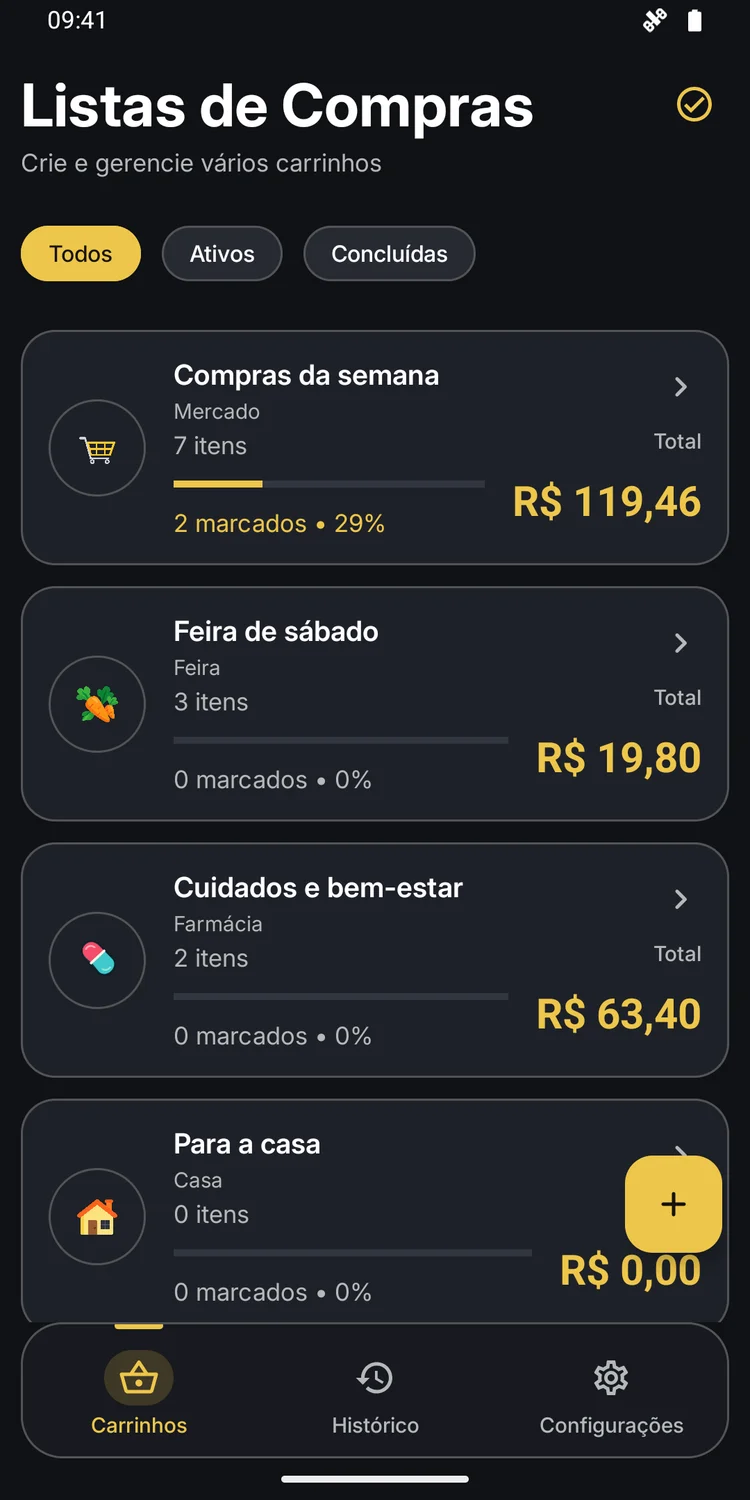
Screenshots are in Portuguese. Lists and prices are demonstration examples.
ANOTHER WAY TO STARTBETA
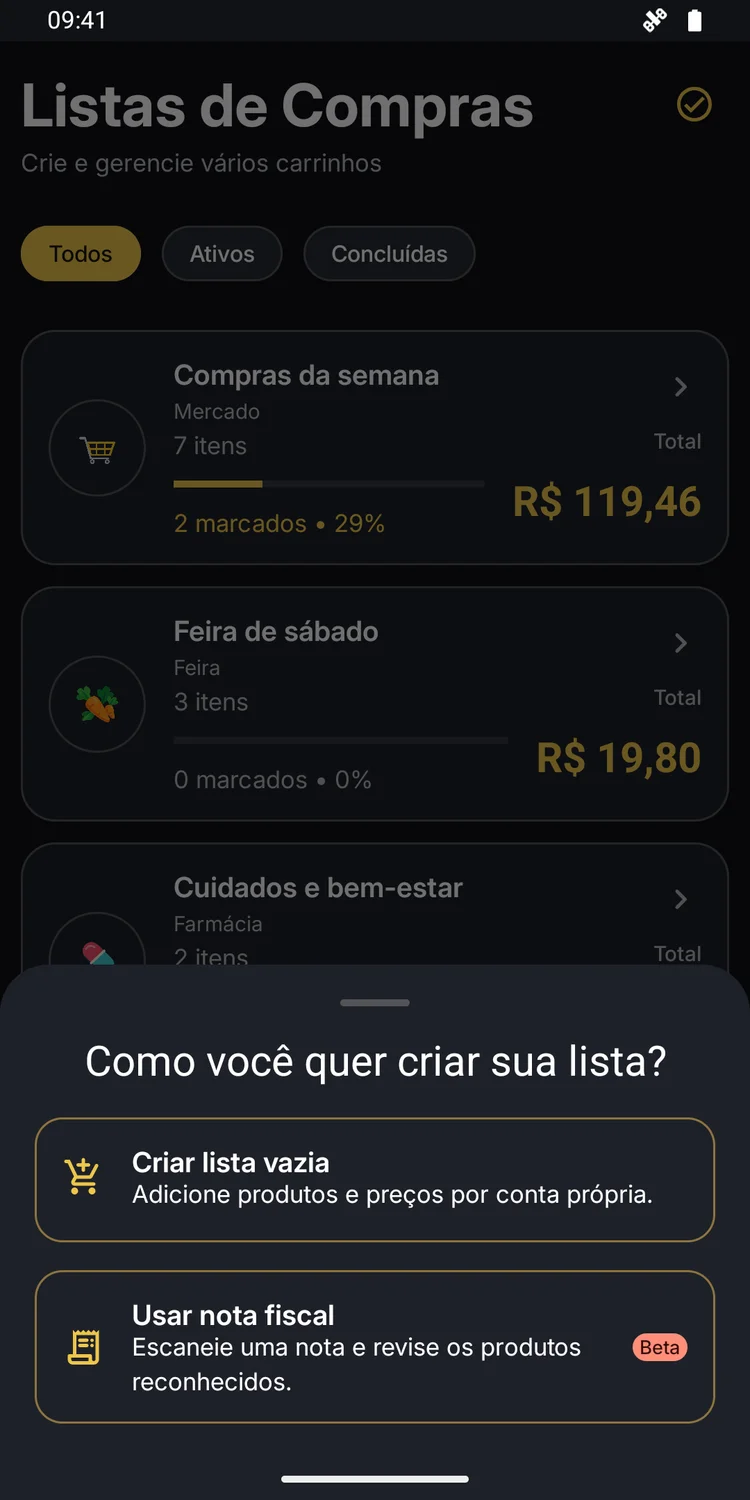
Alongside starting an empty list, the app offers a beta option to capture a receipt and review recognized products.
Capture depends on Google services on the device. This feature is still in beta.
Take your lists with you, keep track of your cart and have previous purchases at hand.